Share with a client
NearSolid lets you share a review so a client can see the design in 3D and, on a compatible phone, in augmented reality.
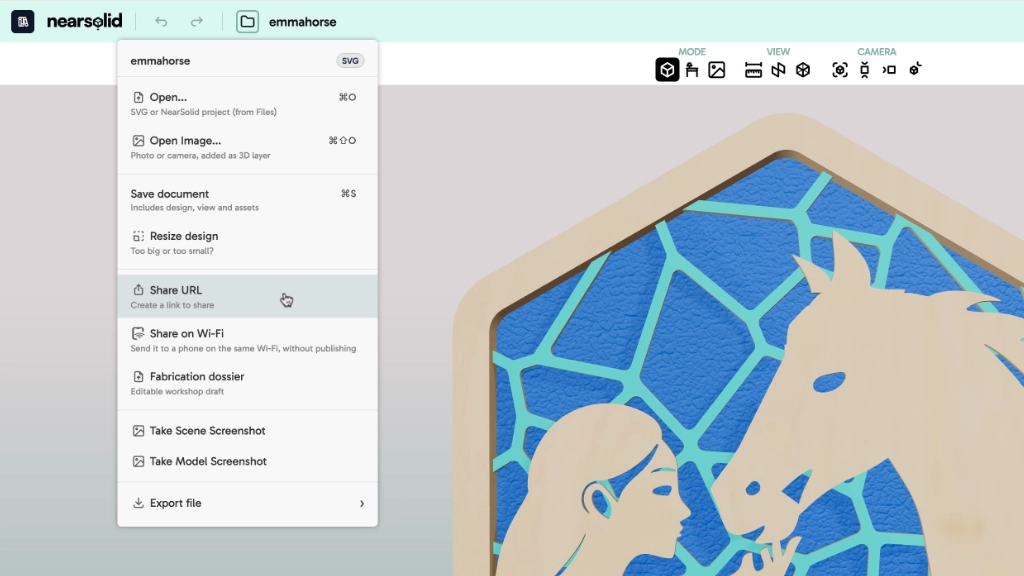
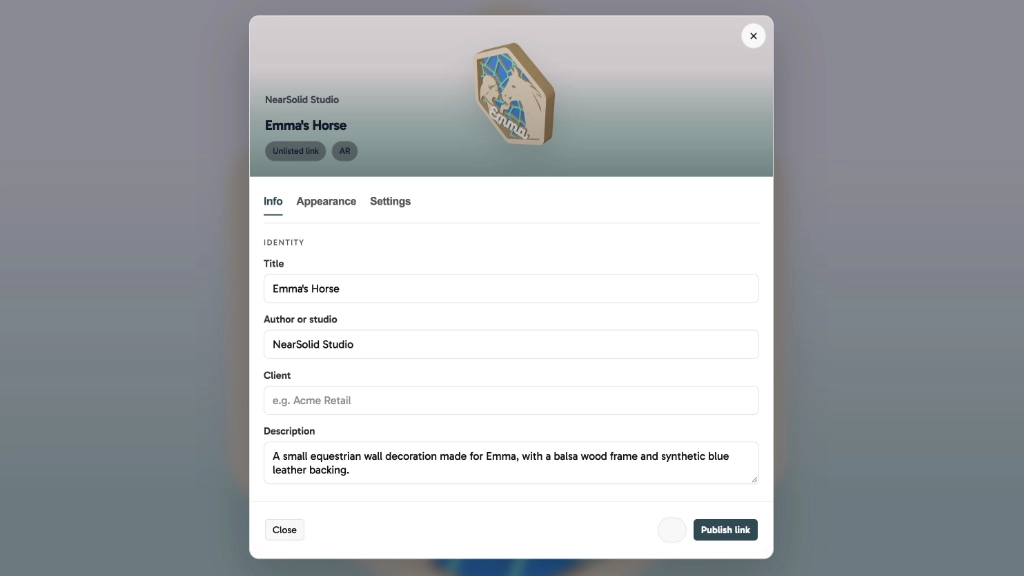
Create a link from NearSolid to present the design without sending the working file. Before publishing, you can prepare exactly what the client will see:
- title, description, author and client;
- background and overall appearance;
- visible or hidden rulers;
- augmented reality on compatible phones.
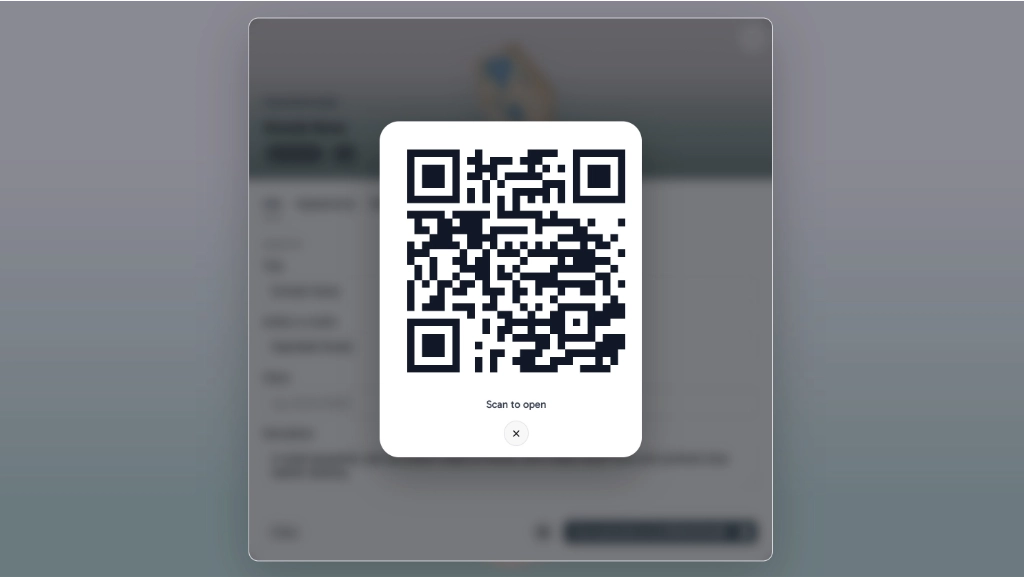
NearSolid creates the link and its QR code so the presentation can be opened quickly on a phone. The client can explore the model in 3D and use AR when enabled, without exposing the working file.
These presentation details are saved with the .nsolid document, so you can revisit and adjust the delivery later.
For an in-person review, a phone on the same Wi-Fi network can open the design and AR view without uploading the project to the cloud. Local sharing is view-only.