Pre-production report
The PDF pre-production report turns the design into a review document for a workshop, quotation or client. It starts from the model’s real layers, so you do not have to build a sheet manually for every element.
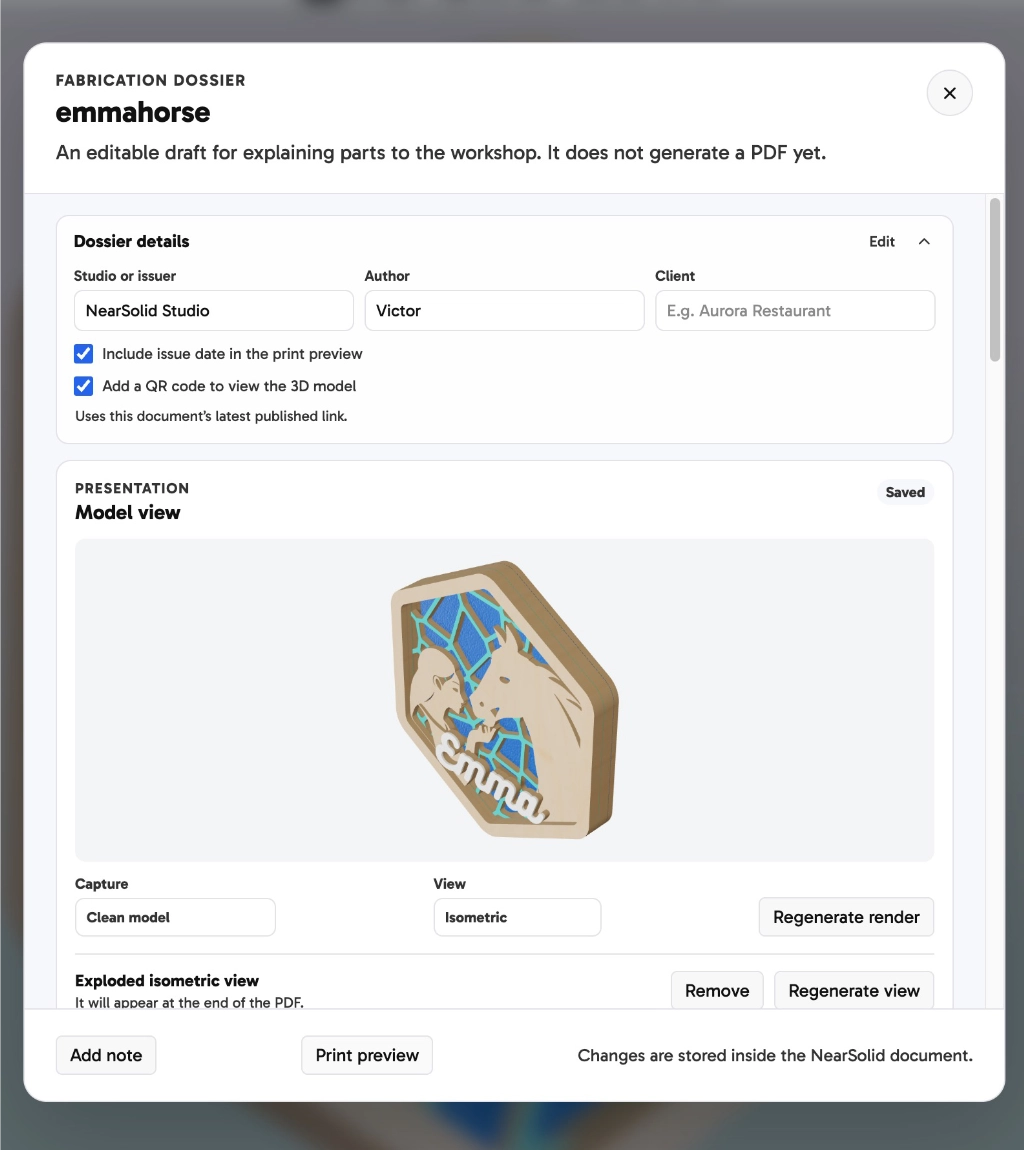
For each included layer, NearSolid generates a preview and can also show its position in the design. You can edit the title and description, add workshop notes, hide irrelevant items and include standalone notes.
Complete the cover with the report name, issuer, author, client and date. You can also generate a model render, add an exploded isometric view and, when a presentation has been published, include a QR code that opens it in 3D.
All these settings travel inside the .nsolid project, including the notes and generated views. You can reopen it, make changes and generate an updated PDF when the design changes.
The report does not replace manufacturing files: send the SVG, DXF or other format your supplier needs alongside it.
See a complete example in the Emma’s Horse fabrication dossier.